Create beautiful coffee shop digital menus in minutes. Update prices, promotions, and seasonal drinks instantly with Templates digital signage software.

Live preview · exports at 1920×1080
Scoop Society

Ice Cream Menu

$18
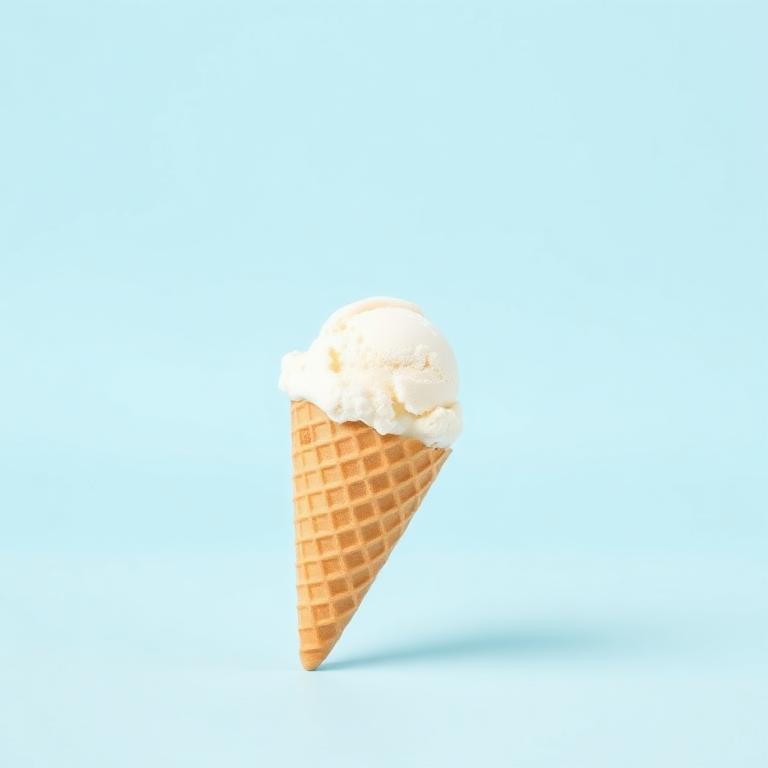
Vanilla Bean
$18
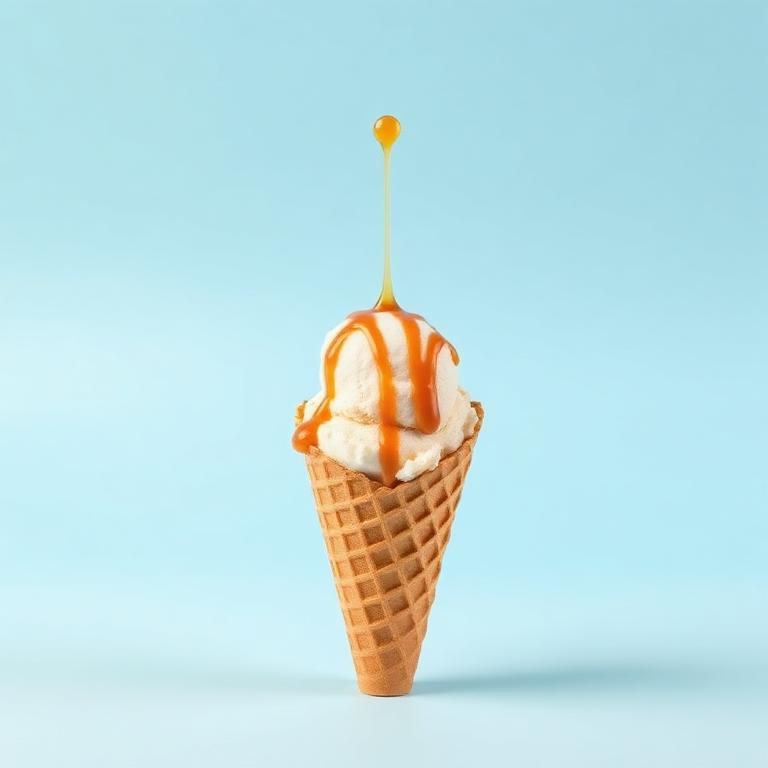
Salted Caramel
$15
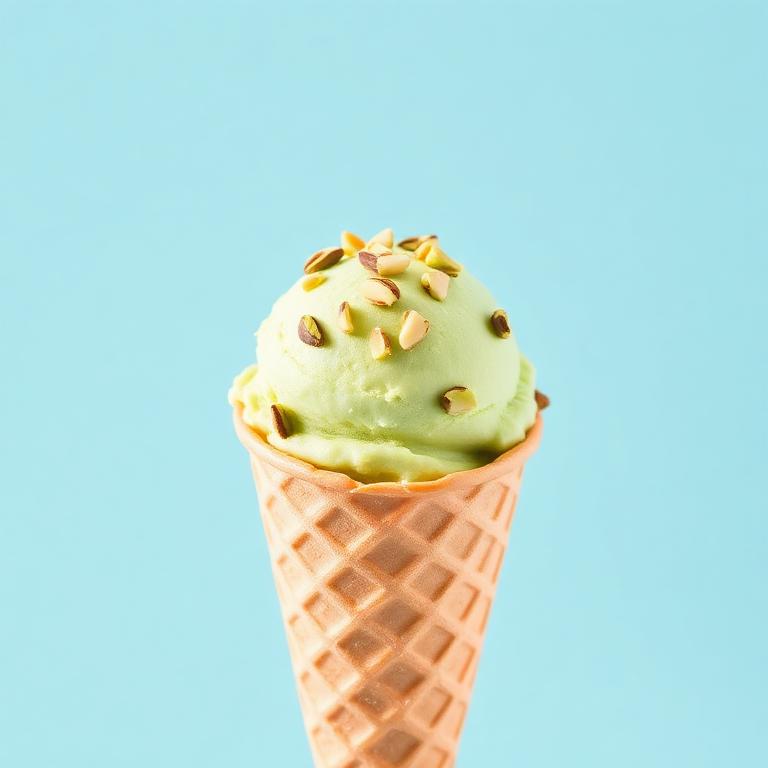
Pistachio Dream
$18
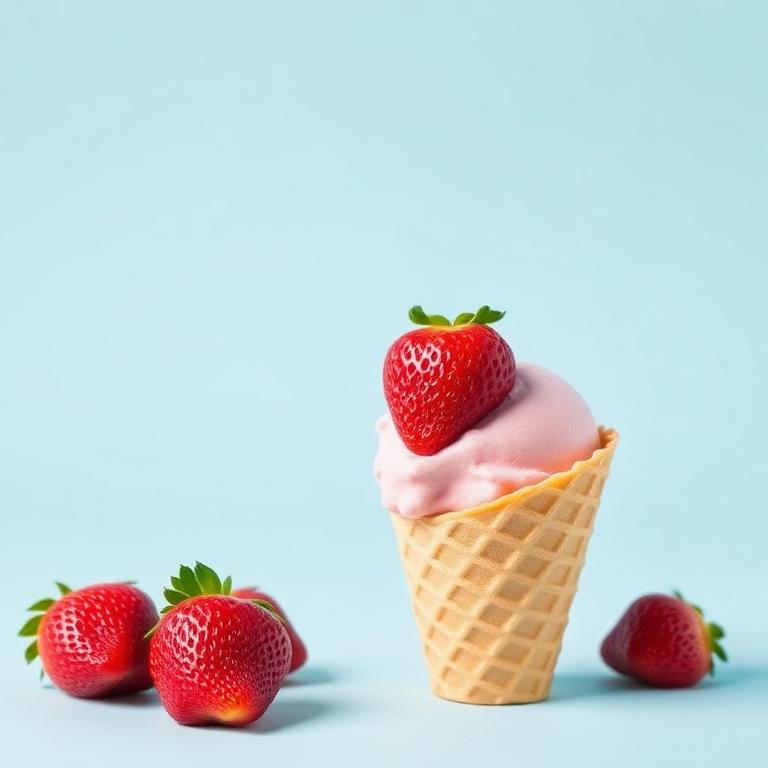
Strawberry Fields
$20
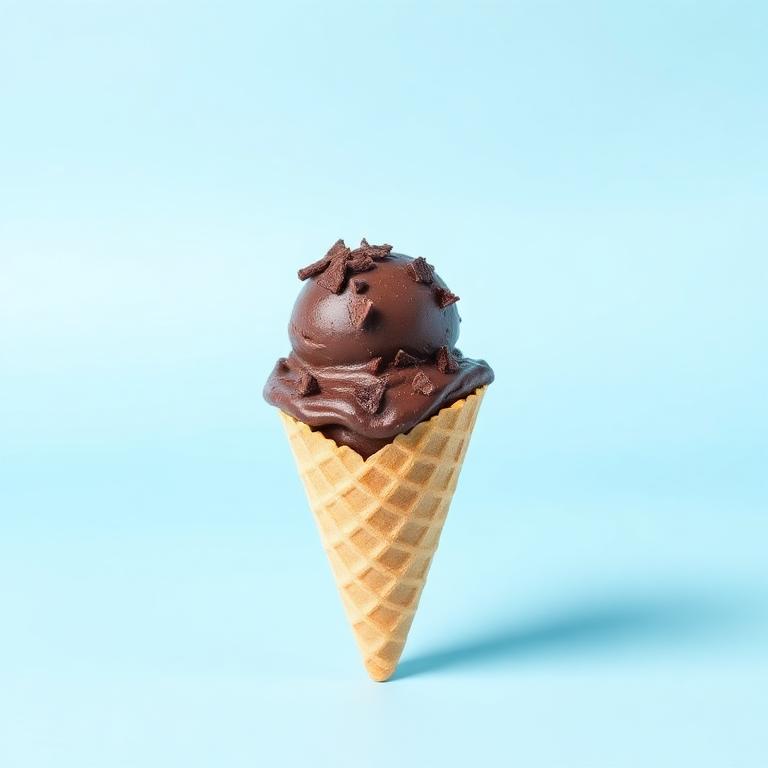
Dark Chocolate
$20
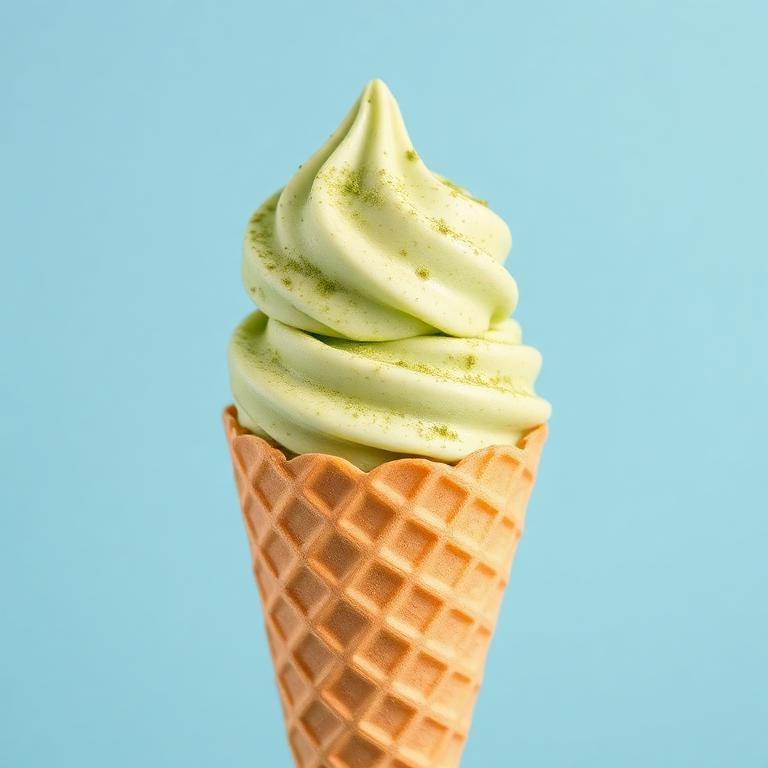
Matcha Cloud
$20
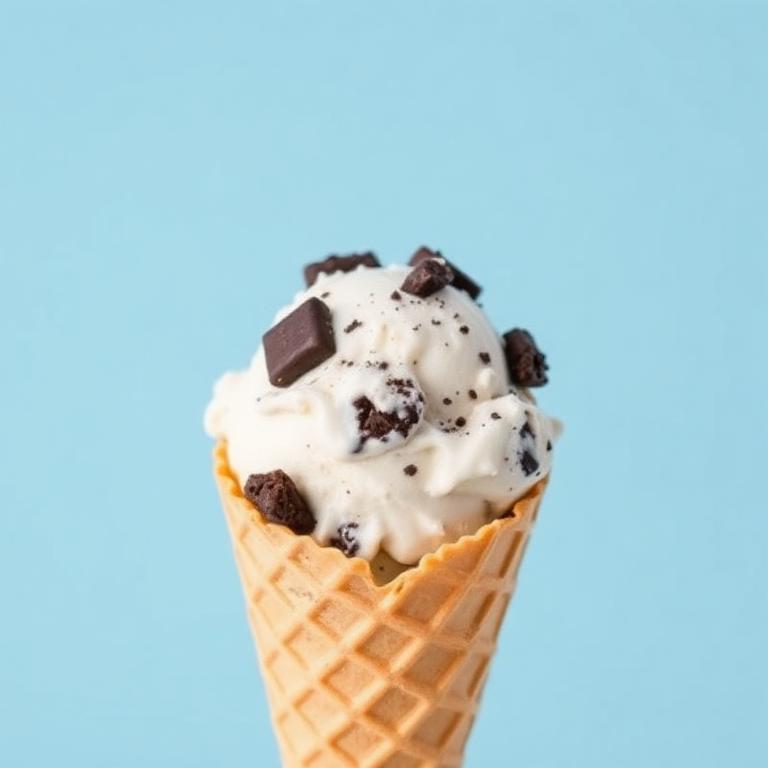
Cookies & Cream
$20
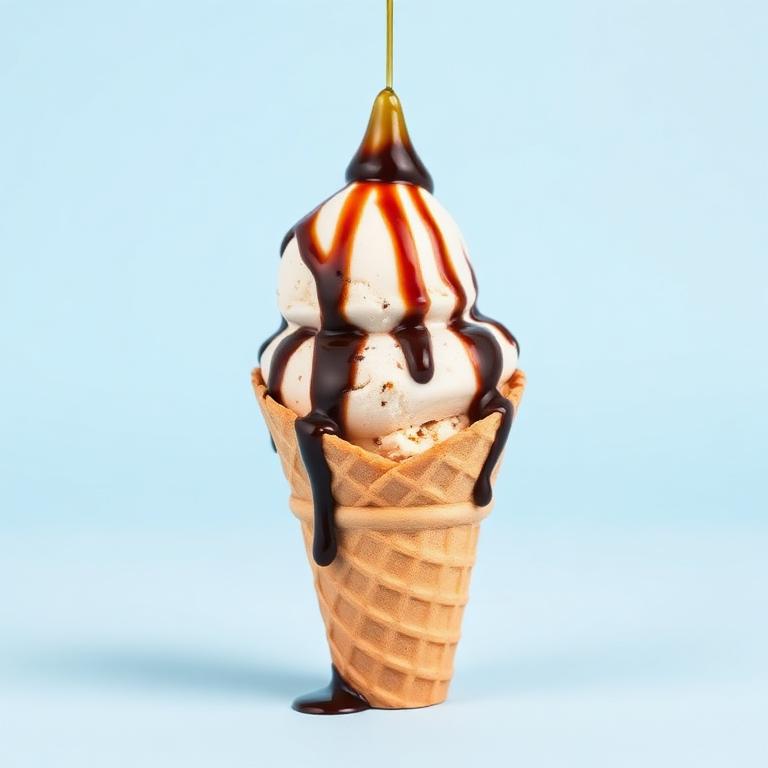
Affogato Bliss

Ready-made menus

Pick a starter — all text and photos stay editable.

Templates

100%

Auto-fit is on — it will turn off when you change the size.

Shrinks content so nothing is cut off (100%)

Free elements

Drop text or images anywhere on the board. Drag to move, corner to resize.

FAQ — Coffee shop digital menus & signage

Everything you need to design, launch, and update a digital menu board for your cafe.

How do I create a coffee shop digital menu?+

Pick a coffee shop template in Buzzblender, edit your drink names, prices, and photos inline, then export a 1920×1080 (horizontal) or 1080×1920 (vertical) PNG. Load the file onto any TV via USB, a media player, or your digital signage app — no design software required.

How do I create digital signage for my cafe?+

Digital signage is just a screen plus a media source. Design your menu board in Buzzblender and export a PNG. Display it by (1) plugging a USB stick into a smart TV, (2) using an inexpensive media player like Chromecast, Fire TV, or Raspberry Pi, or (3) uploading the image to a signage app such as ScreenCloud, OptiSigns, or Yodeck. Re-export whenever prices or specials change.

What are the best practices for menu board design?+

Keep it scannable: 6–10 items per column, group by category (Espresso, Milk Drinks, Pastries), and lead each section with one hero photo. Use high contrast between text and background, size prices smaller than item names, and preview at actual size on the TV so text is legible from at least 10 feet away.

What size should a coffee shop menu board be?+

Most cafes mount a horizontal 16:9 TV — export at 1920×1080. For narrow wall space, drive-thru side panels, or standing signage, use vertical 9:16 at 1080×1920. Buzzblender exports both at true TV resolution.

Can I update prices and seasonal drinks quickly?+

Yes. Open your saved template, change the price or swap in a seasonal drink, and re-export the PNG in under a minute. That's the whole point of a digital menu versus printed boards.

Do I need special software or a subscription?+

No. Buzzblender runs in your browser and exports free PNGs. You only need signage software if you want to schedule multiple boards or push updates to many locations at once.